Galeria de banners para assinatura de e-mail
Deixe os seus e-mails mais envolventes com os banners da MySignature. Escolha entre centenas de modelos, salve os que você mais gosta e adicione facilmente à sua assinatura.
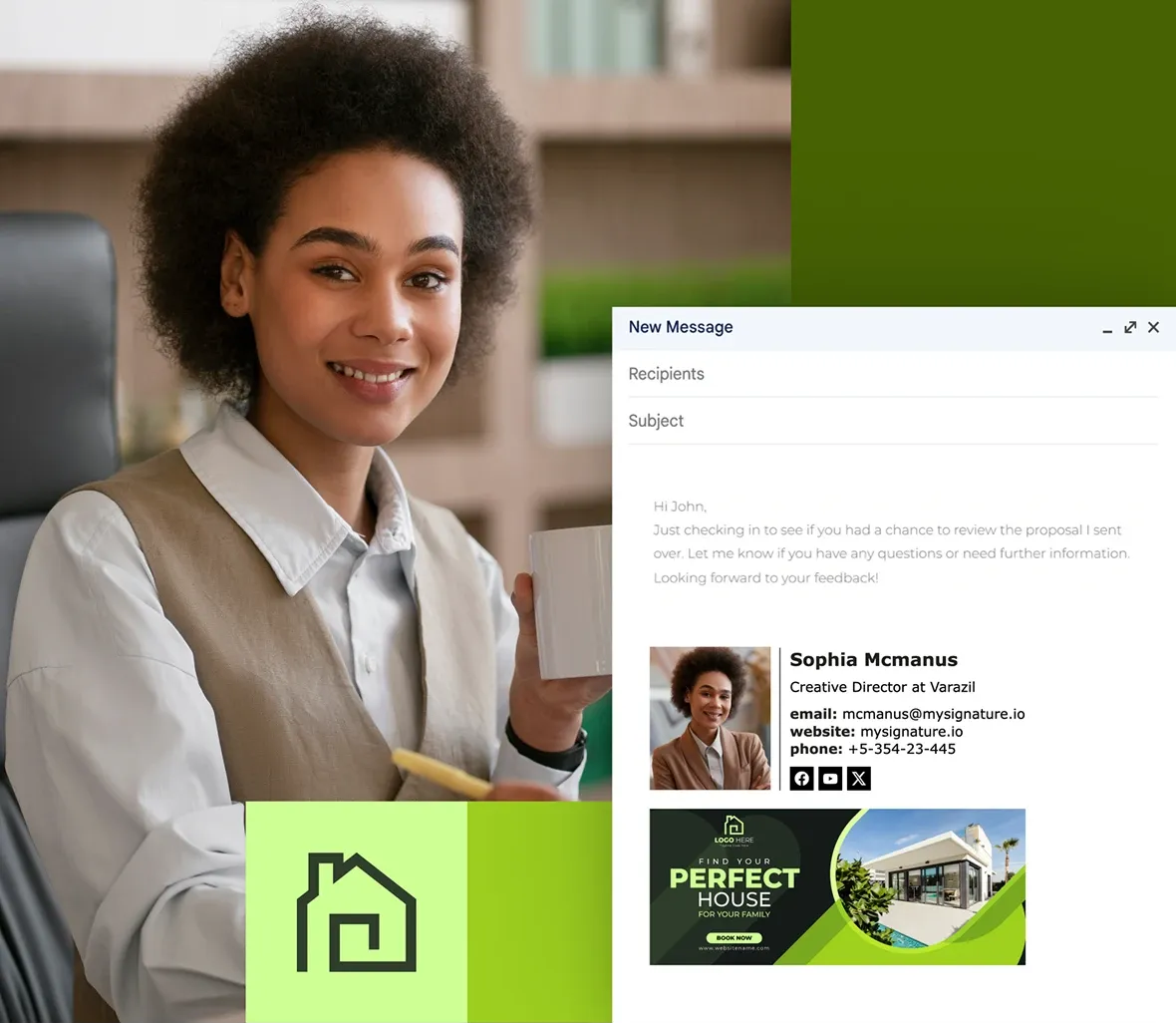
Descubra banners por categoria:
Escolha um banner e o adicione à sua assinatura de e-mail
Banner de Black Friday
Banner de Cyber Monday
Banner de oferta com desconto
Banner de atendimento ao cliente
Banner de e-commerce
Banner de imobiliária
Banner de redes sociais
Banner de Vendas & Marketing
Banner para profissionais
Banner Covid-19
Banner de Saúde & Fitness
Banner LGBT
Banner de negócios sustentáveis
Banner Product Hunt
Banner de avaliações
Descubra banners por datas comemorativas:
Escolha o banner comemorativo de sua preferências para adicionar à sua assinatura de e-mail
Banners de assinatura de e-mail para o Natal
Banners de assinatura de e-mail para o Ano Novo
Banners de assinatura de e-mail para o Dia de Ação de Graças
Assinatura de e-mail para o Mês da História da Mulher
Banners de assinatura de e-mail de boas festas
Assinatura de e-mail para o Halloween
Assinatura de e-mail para o Hanukkah
Assinatura de e-mail para o Dia da Independência
Dia Internacional da Mulher
Assinatura de e-mail para o Dia das Mães
Assinatura de e-mail para o Dia dos Pais
Assinatura de e-mail para o Dia dos Namorados
Assinatura de e-mail para a Páscoa
Assinatura de e-mail para o Dia do Trabalho
Assinatura de e-mail para o Dia dos Veteranos
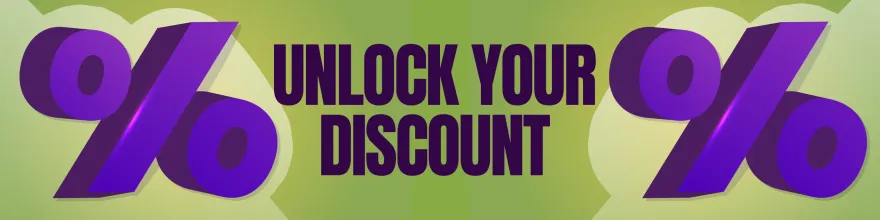
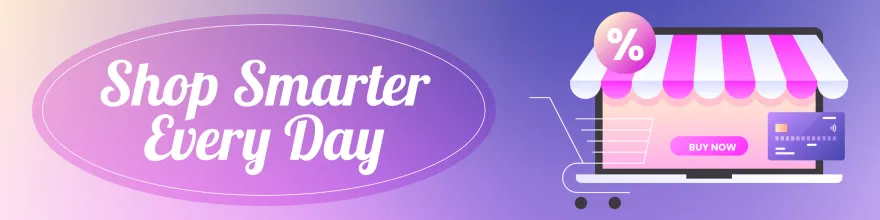
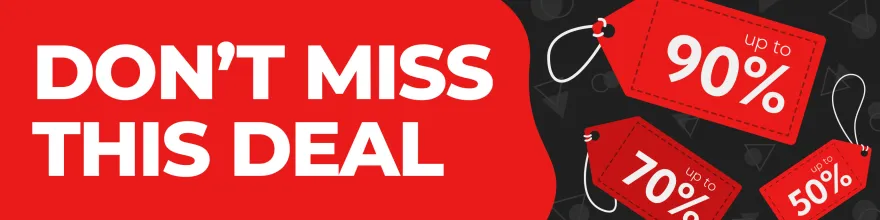
Banner de oferta com desconto

Banner de atendimento ao cliente




Banner de e-commerce


Banner de redes sociais



Banner de Vendas & Marketing





Banner para profissionais




Banner Covid-19




Banner de Saúde & Fitness



Banner LGBT




Banner de negócios sustentáveis





Banner Product Hunt



Banner de avaliações



Assinatura de e-mail para o Mês da História da Mulher



Banners de assinatura de e-mail de boas festas





Assinatura de e-mail para o Hanukkah




Assinatura de e-mail para o Dia das Mães





Assinatura de e-mail para o Dia dos Pais





Assinatura de e-mail para o Dia dos Namorados





Assinatura de e-mail para o Dia do Trabalho



Assinatura de e-mail para o Dia dos Veteranos




Como criar um banner para assinatura de e-mail
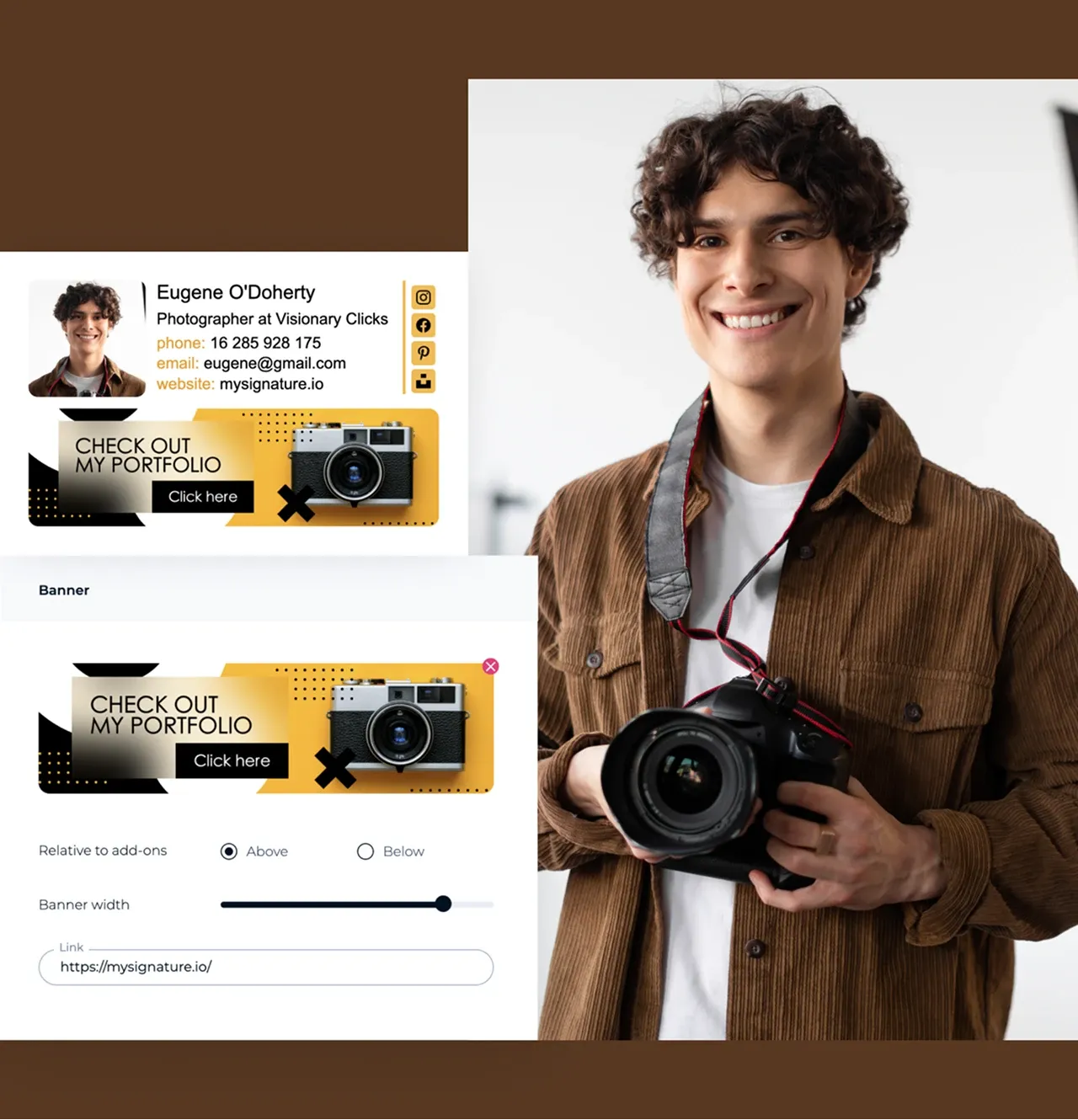
Você pode criar um banner para assinatura de e-mail de várias formas. Pode escolher um modelo pronto no editor ou enviar uma imagem de banner (ou criar a sua dentro da ferramenta) e adicionar seus links ou CTA. Depois é só salvar.
Por fim, copie a assinatura gerada e cole nas configurações do seu cliente de e-mail.

Boas práticas de design para banners de assinatura de e-mail
- Use um design limpo com as cores da sua marca e fontes legíveis.
- Deixe ele com cerca de 600px de largura e com um tamanho de arquivo pequeno para carregar rápido.
- Use tabelas HTML com estilos inline para garantir exibição consistente no Outlook, Gmail, entre outros.
- Adicione uma única e clara chamada para ação, com link para um produto, evento ou site. Evite excesso de informações.
- Verifique como sua assinatura aparece no desktop, no celular e no modo escuro.
Como adicionar o banner à assinatura de e-mail

Escolha um modelo
Escolha o modelo de banner para assinatura de e-mail que você mais gosta e faça o download.

Hospede a imagem do banner
Envie a imagem para um serviço de hospedagem de imagens (ou use a MySignature) e copie a URL da imagem.

Adicione o banner ao HTML da sua assinatura
Insira o link da imagem no código HTML da sua assinatura de e-mail. Coloque-o abaixo dos seus dados de contato ou onde desejar que o banner apareça.

Teste sua assinatura
Envie e-mails de teste para verificar como a assinatura e o banner aparecem em clientes de e-mail para desktop e dispositivos móveis.

Ou use a MySignature
Abra o editor de assinaturas do MySignature e envie a imagem do banner diretamente para a sua assinatura. Copie a assinatura finalizada e cole nas configurações do seu cliente de e-mail.
Perguntas Frequentes - FAQ
O que devo incluir no banner da minha assinatura de e-mail?
Seu banner deve ser simples, alinhado à sua identidade de marca e com um objetivo claro. Inclua:
Seu logotipo ou as cores da sua marca para fácil reconhecimento.
Uma mensagem curta ou slogan (por exemplo, promoção, evento ou lançamento de produto).
Um link para seu site, landing page ou campanha.
Quais são os direitos de uso?
Se você criar o banner por conta própria ou usar os modelos da MySignature, você possui os direitos de uso nos seus e-mails.
Se utilizar imagens, ícones ou elementos gráficos de bancos de imagem, verifique se tais ativos possuem licença para uso comercial (royalty-free, comprada ou com atribuição adequada, se exigido).
Qual é o tamanho ideal do banner para assinatura de e-mail?
Deixe ele com cerca de 600px de largura e com um tamanho de arquivo pequeno para carregar rápido.