Professional Email Signature for Sales Managers: Best Templates & Tips
Create an email signatureIn email conversations, trust is everything for a sales manager. A polished email signature reinforces your credibility, shows professionalism, and makes prospects feel confident engaging with you.
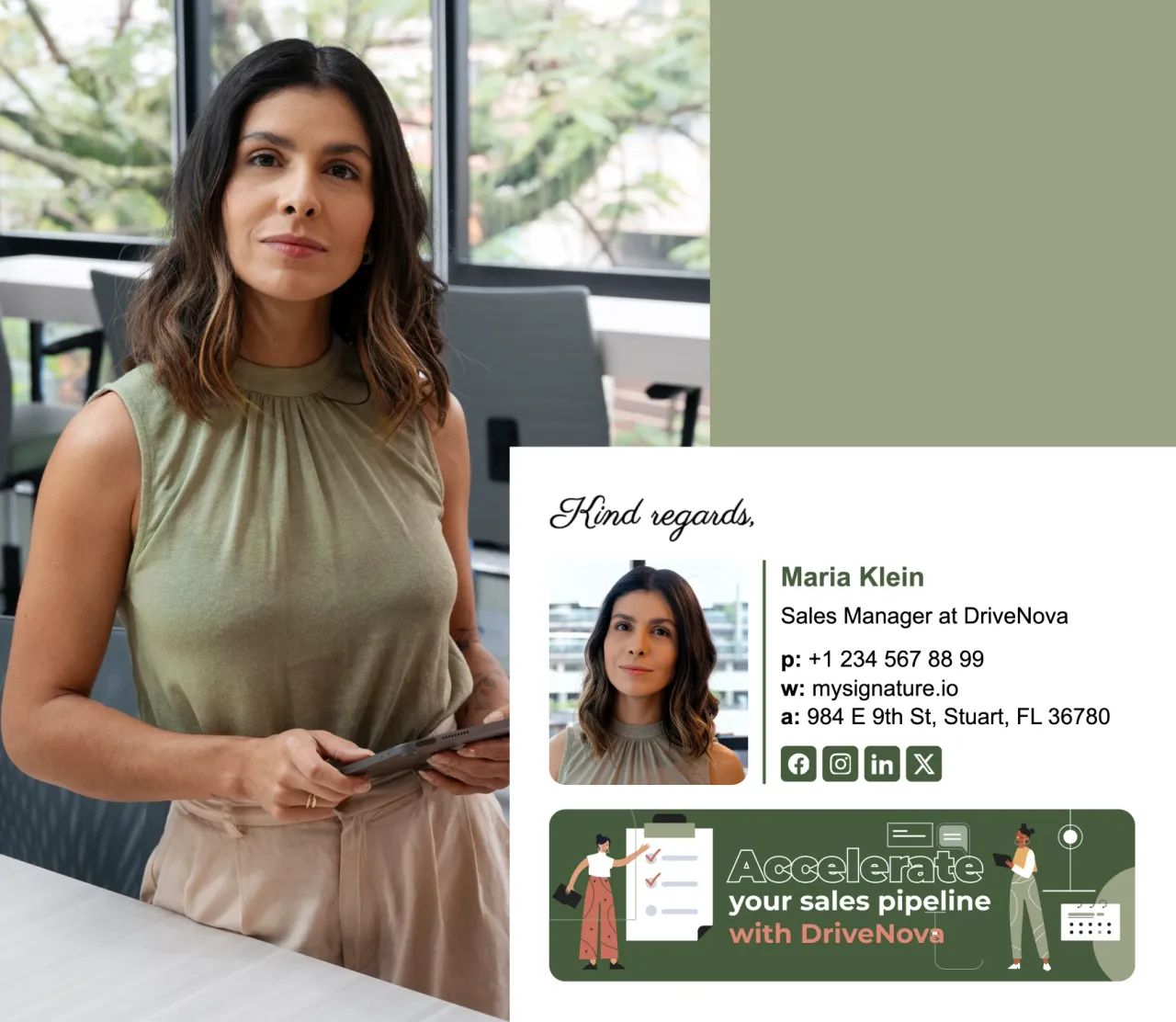
How to create the email signature for sales managers in 2026
A well-designed sales email signature can make you look more professional, build trust with clients, and make it super easy for them to contact you. Think of it as a friendly handshake at the end of every email - professional, warm, and memorable.
Keep it clean but on-brand
In 2026, simple designs still win - but don’t make it too plain. Use your brand colors, fonts, and logo in a subtle way so your signature feels like part of your overall marketing. Keep everything well-spaced so it’s easy to read on any device.

Add a clear call-to-action
Your signature can do more than sign off. Add a short, clickable button like “Book a Demo” or “Start Your Free Trial” to turn everyday emails into sales opportunities.
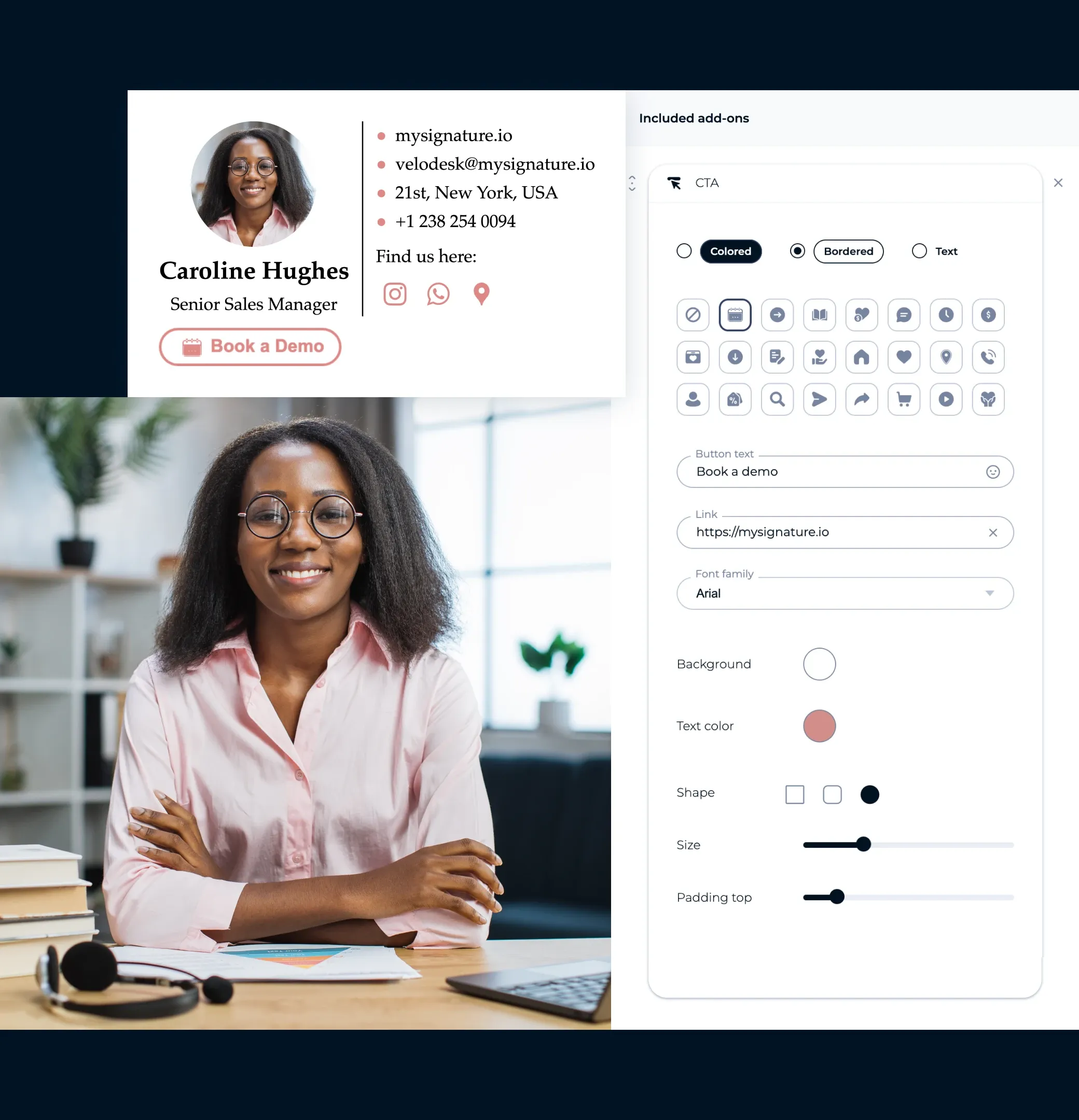
Use a friendly photo or brand image
People connect with people. A clear, welcoming headshot - or a strong brand graphic - can make you more approachable and trustworthy, especially after a LinkedIn connection or in client-facing emails.
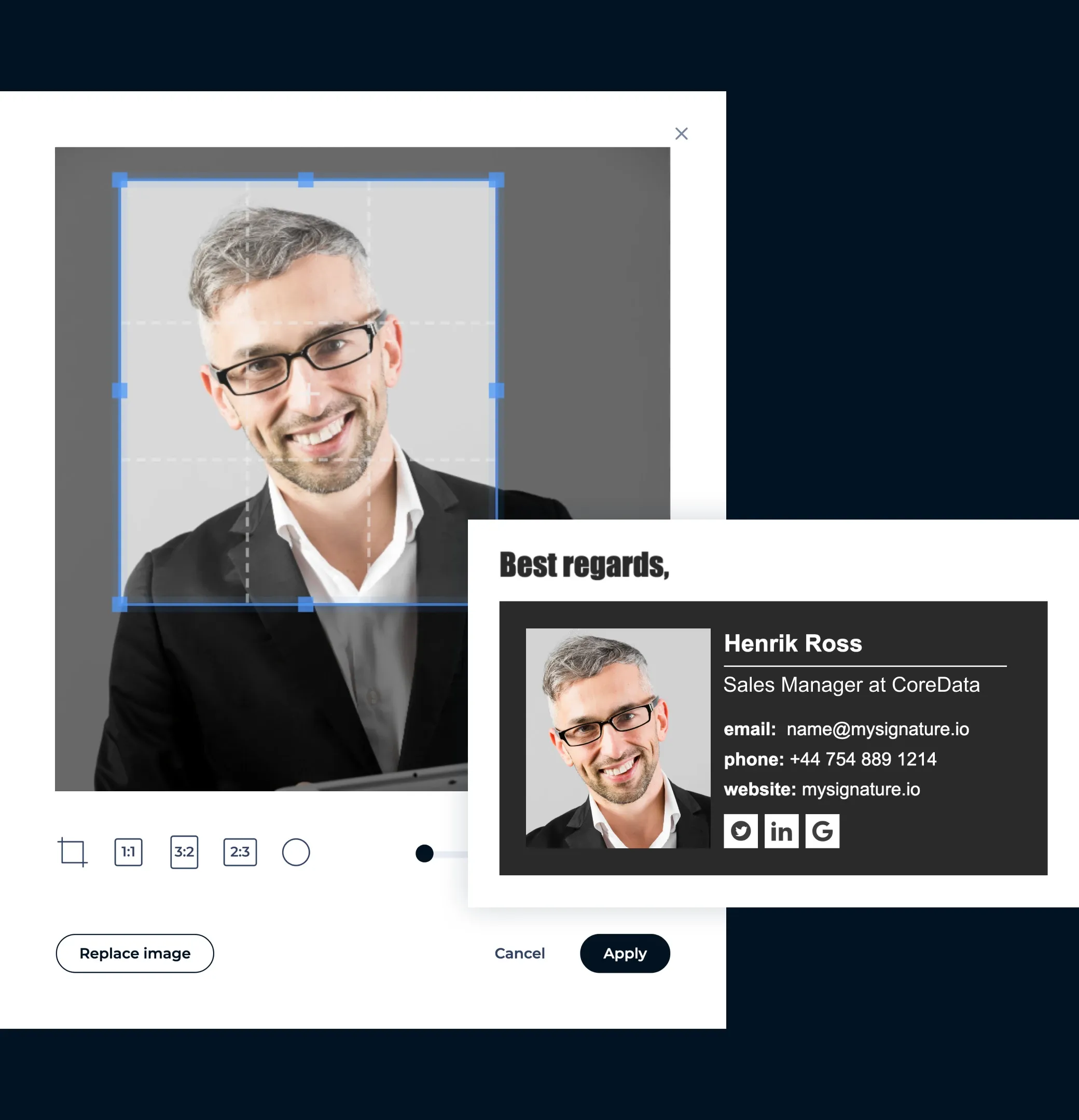
Stick to the most important links
Don’t cram in every social profile. Focus on 2–3 links that matter most - like your LinkedIn, website, or a direct “Book a Call” link.

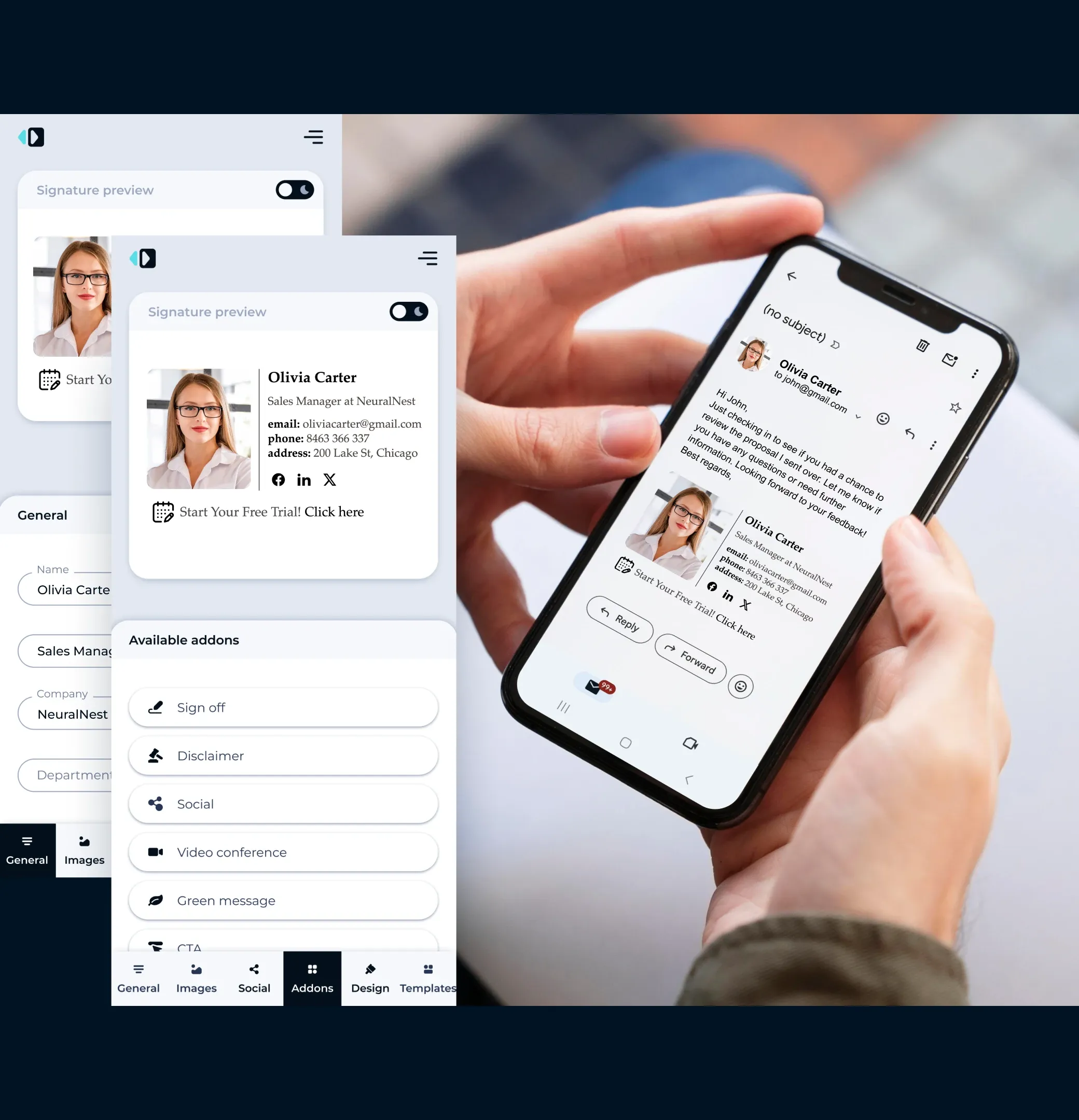
Make it mobile-friendly
Most emails in 2026 will be read on phones. Keep your layout compact, buttons clickable, and text easy to read without zooming.
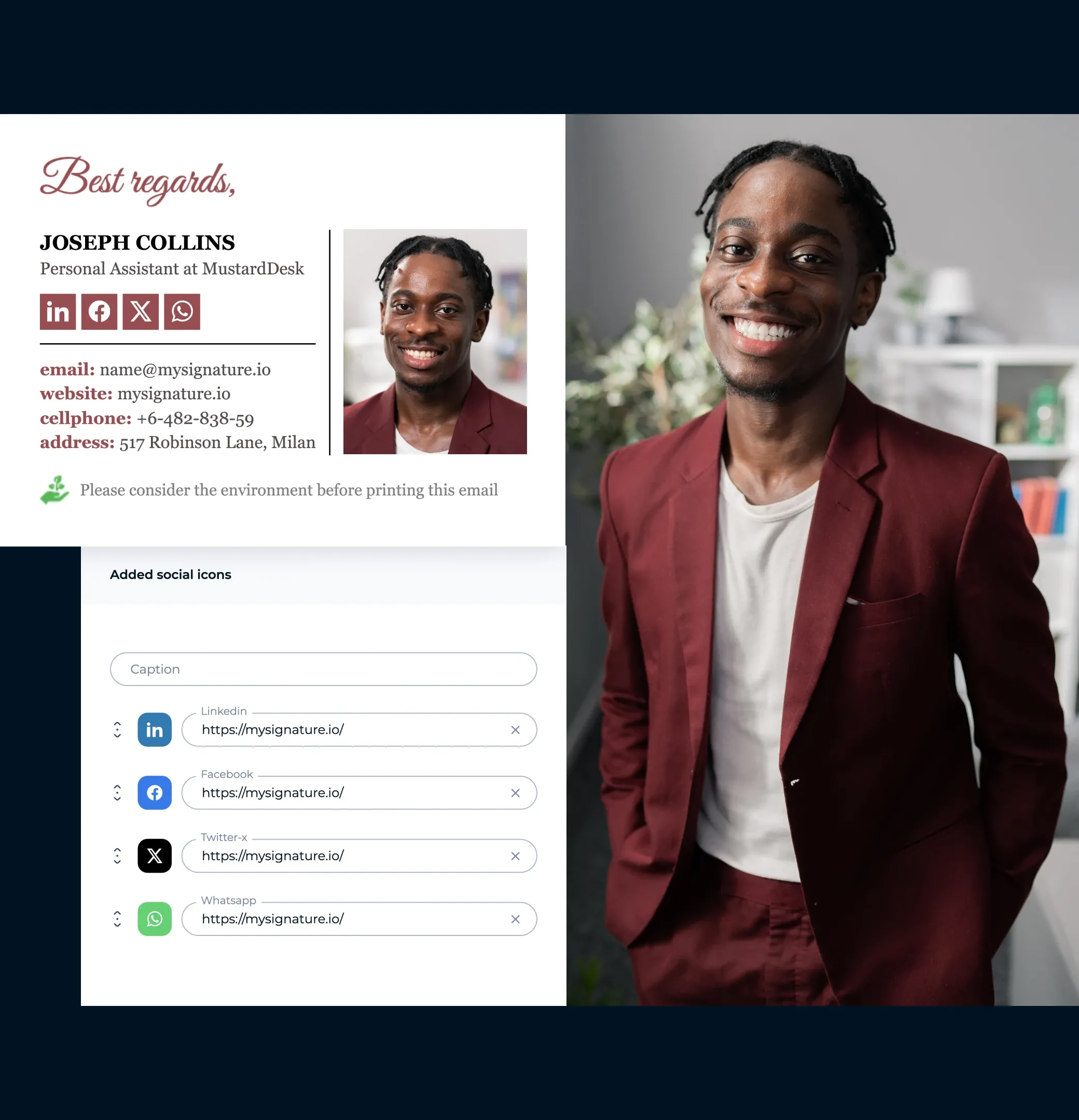
Link to your social profiles
Add small, clickable icons for LinkedIn, Twitter, or other professional networks to keep the conversation going outside of email.
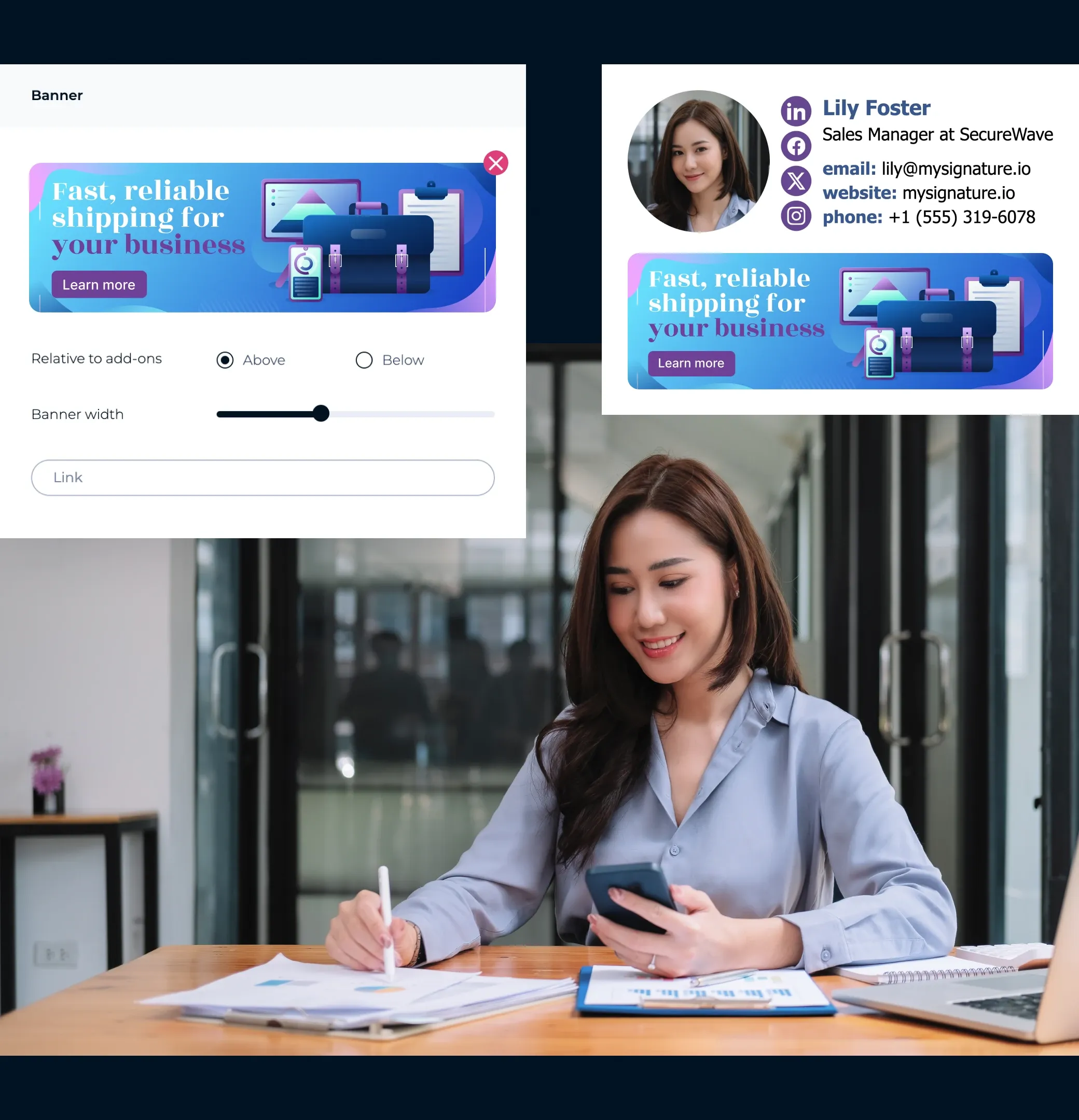
Promote discounts and special offers
Turn your email signature into a mini billboard for your best deals. Add a banner to highlight your hottest discounts, limited-time offers, or upcoming events – whether it’s a conference you’re attending or a webinar you’re hosting.
Track what works
Use a tool like MySignature to see how many people click your links or banners. This helps you learn what’s effective and tweak your signature for even better results.

Sales manager email signature template
Get inspired by these professionally designed examples, all created with MySignature, to make email signatures as part of your sales strategy.
Browse email signature template gallery


Why sales managers need an email signature in 2026
Book calls right from your email
Make it easy for clients to connect with you. Add meeting links, calendar invites, or call buttons to your email footer so they can book a call or meeting in just one click. Use clear CTA buttons or small banners to make your signature work harder.
Make it look great everywhere
Your signature should look professional on any device or email platform. With MySignature, it works perfectly across Gmail, Outlook, Apple Mail, HubSpot, Zoho, and more – both on desktop and mobile.
Track what’s working
See how your signature performs with built-in analytics. Track banner clicks, link clicks, and CTAs in real time so you know what drives the most engagement.
Create and share signatures for your whole team
Keep your sales team’s signatures consistent and on-brand. With MySignature, you can create multiple signatures in minutes and roll them out across your team using Google Workspace or Microsoft 365 integration.

Roman Hotsiak
Marketing por email e SMS
Tive uma ótima experiência. O Mysignature é muito simples e personalizável! Posso facilmente criar uma assinatura profissional excelente para a minha equipa. Obrigado à equipa de suporte por ajudar na criação de uma assinatura para o meu email comercial.

Mary McGuire
Consultoria e Coaching Empresarial
Gosto da quantidade de informação que pode ser transmitida que de outra forma seria um desperdício de espaço. Gosto particularmente do design e como é fácil de usar.

KiwiOnTheSticks
Criadora de Conteúdo de Jogos
Adoro usar o Mysignature! É super fácil de configurar, mesmo permitindo-lhe usar o Canva dentro do editor! Adoro este serviço e recomendo-o a qualquer pessoa que deseje adicionar um toque limpo e profissional aos seus emails.

João Mino
Tradutor e copywriter
Gosto dos modelos de assinaturas de email bem desenhados pelo Mysignature! Além disso, o vosso acompanhador do Gmail dá-me a capacidade de acompanhar a atividade do email após o envio. Por exemplo, se o cliente recebeu ou não a minha fatura.


G2 Crowd


Capterra

Product Hunt


Trustpilot

Chrome Web Store
Create the best sales email signature template in 5 minutes or less
Let's make your CPA signatureWith MySignature’s free signature editor, you can quickly design a professional email signature, digital business cards, and links in bio pages.
Explore more email signature template categories
Want to see more templates? Here are other categories of modern email signature templates you can check out.